

Creating Color Palettes That Work Together
Learn the color relationships that make palettes harmonious, from complementary to analogous schemes.
Read ArticleDiscover how to pair typefaces effectively for headings and body text. We break down serif and sans-serif combinations that enhance readability without clashing.

Typography isn’t just about picking fonts that look nice. It’s about creating a visual conversation between your heading and body text — one where they actually complement each other instead of fighting for attention.
Most websites fail at this. You’ll see a beautiful serif headline sitting awkwardly above a generic sans-serif body, or worse, two sans-serif fonts that feel identical. The disconnect is immediate. Your readers feel it, even if they can’t name exactly what’s wrong.
Here’s the thing: good font pairing isn’t magic. It’s a learnable skill based on clear principles. Once you understand the fundamentals, you’ll start seeing font relationships everywhere — in magazines, apps, even on storefronts. And you’ll know exactly why some combinations work while others don’t.
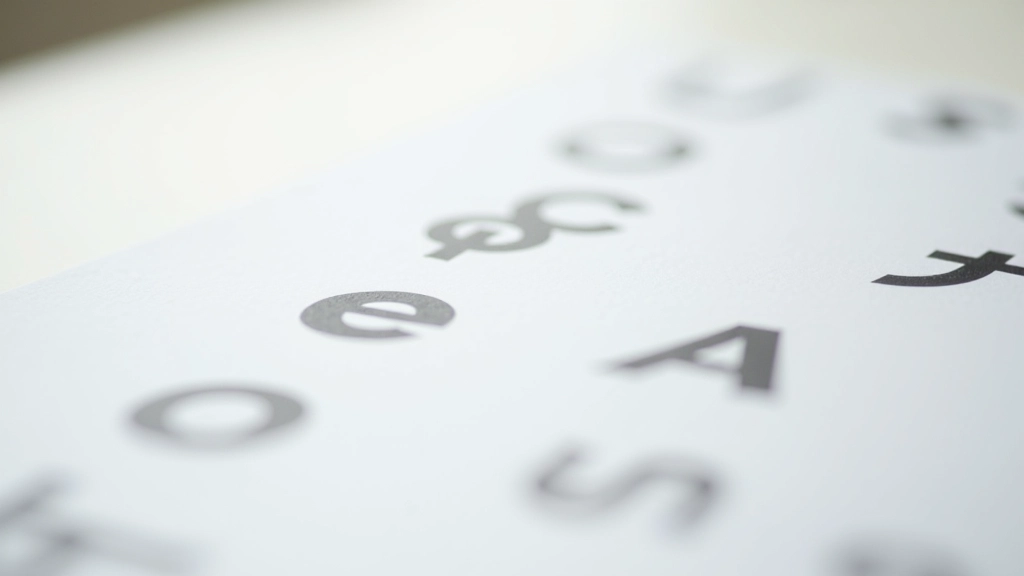
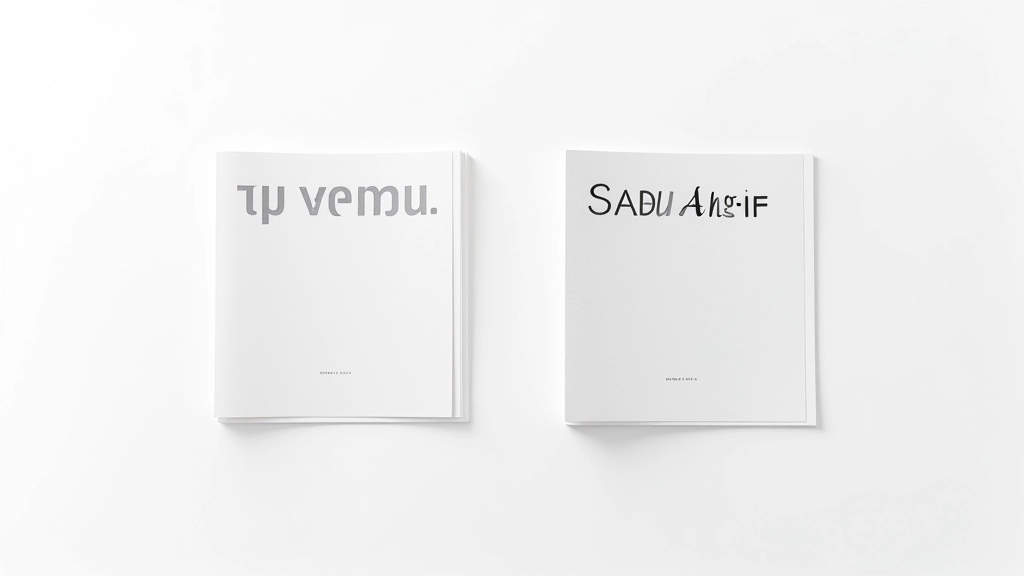
The first rule of font pairing: your fonts need to be different enough to matter. You’re looking for contrast — real, visible contrast that makes each typeface feel distinct.
Pair a serif with a sans-serif. That’s your foundation. A serif headline (like Playfair Display or Merriweather) paired with a clean sans-serif body (like Inter or Open Sans) creates immediate visual separation. The serif feels traditional, authoritative. The sans-serif feels modern, approachable. Together, they tell a complete story.
Avoid fonts that are almost the same but not quite. Two similar sans-serifs create confusion. Your eye knows something’s off, but the fonts aren’t different enough to feel intentional. It just looks like a mistake.
These combinations have been tested in real projects and consistently deliver readable, beautiful results.
A warm serif meets a geometric sans-serif. Merriweather’s high contrast makes it stunning for headlines, while Open Sans keeps body text perfectly readable at small sizes. Works beautifully for blogs and editorial sites.
High-contrast elegance meets friendly warmth. Playfair’s thin serifs feel luxurious without being stuffy, and Lato’s approachable personality balances that perfectly. You’ll see this pair on fashion, portfolio, and lifestyle sites.
When you want both fonts to be sans-serif, use weight contrast aggressively. IBM Plex Serif (yes, it’s a serif) pairs with Inter’s clean geometry. The serif provides visual interest while maintaining modern sensibility.
Poppins’ rounded letterforms feel approachable and human. Source Serif Pro adds gravitas without formality. This combo works when you need personality but still want to be taken seriously.
Different font families create the strongest pairings. A serif headline with sans-serif body text is almost impossible to get wrong. If you’re using two fonts from the same family (both sans-serif or both serif), the weight difference must be dramatic — think bold heading with light body text.
Your headline should be noticeably larger than your body text. We’re talking at least 1.5 times bigger, ideally 2-3 times. This size difference reinforces the visual contrast. A 24px headline with 16px body text feels like an afterthought. A 48px headline with 16px body text feels intentional and professional.
Your fonts should feel like they belong together emotionally. A playful rounded sans-serif paired with a serious, geometric serif creates cognitive dissonance. Think about your brand personality. Formal? Go with traditional serif + clean sans. Friendly? Choose rounded, approachable fonts. Creative? You can push boundaries more, but contrast still matters.

Don’t just look at your fonts in isolation. You need to see them actually working together in context. This is where most designers make mistakes — they pick fonts that look great in a specimen sheet but fall apart on a real page.
Create a simple test page. Write out a real headline, a few paragraphs of body text, and maybe a quote or callout. Look at it at different sizes. Does the pairing still feel cohesive on mobile? On desktop? When the headline wraps to two lines?
If you’re struggling, don’t overthink it. Start with the proven pairings we mentioned earlier. They’ve been tested on thousands of websites. You’re not reinventing the wheel — you’re learning from what already works.
Don’t load every weight of every font. Pick 2-3 weights maximum per font. A typical setup: headline font at 700 (bold), body font at 400 (regular) and 500 (medium). Fewer fonts = faster loading. Use system fonts for fallbacks.
Line height is just as important as font choice. Body text needs breathing room — aim for 1.5-1.8x the font size. Headings can be tighter (1.2-1.4). Generous spacing around paragraphs makes text feel less dense and more inviting.
Your fonts need to scale smoothly from mobile to desktop. Use relative sizing (clamp() or rem units) rather than fixed pixels. A 48px headline on desktop might be 28px on mobile, but the proportional relationship should remain consistent.
Font choice is only half the equation. Color matters enormously. High contrast between text and background improves readability. Don’t pair light gray text (below 4.5:1 ratio) with white backgrounds. Your carefully chosen fonts won’t help if people can’t read them.
Font pairing isn’t complicated once you understand the core principles. Contrast, hierarchy, and emotional alignment — those three things unlock almost every successful pairing you’ll see online.
The best way to learn is by doing. Pick a pairing from our proven list, test it on a real page, and see how it feels. You’ll develop an intuition for what works. In a few weeks, you’ll start spotting font combinations everywhere — in apps, websites, even printed materials. And you’ll know exactly why they work.
“Good typography isn’t invisible. It’s a conversation between designer and reader — and great font pairings are what makes that conversation clear, confident, and beautiful.”
Ready to explore more about web design fundamentals? Check out our related articles below on color theory and visual hierarchy. They’ll deepen your understanding of how typography fits into the bigger picture of design.


This article provides educational information about typography and font pairing principles. Font selection and pairing is subjective and depends on individual design goals, brand identity, and audience preferences. The pairings and techniques discussed here represent common best practices and should be adapted to your specific project needs. Results may vary based on implementation, browser rendering, and user preferences. Always test font combinations in real-world conditions across different devices and screen sizes before finalizing your design.